
Spot Lab
Time a script, check the slot, then read it aloud against a pace click.
Spot Timer
Saved in this browser onlyWords are counted from your text. Numbers count as extra words (two digits per word), and each slash adds 0.4 s. Time = words ÷ pace × 60 + pauses.
Example The preloaded Harbor Coffee script is a fictional example, not a real brand or client. Clear it and paste your own.
Slot fit
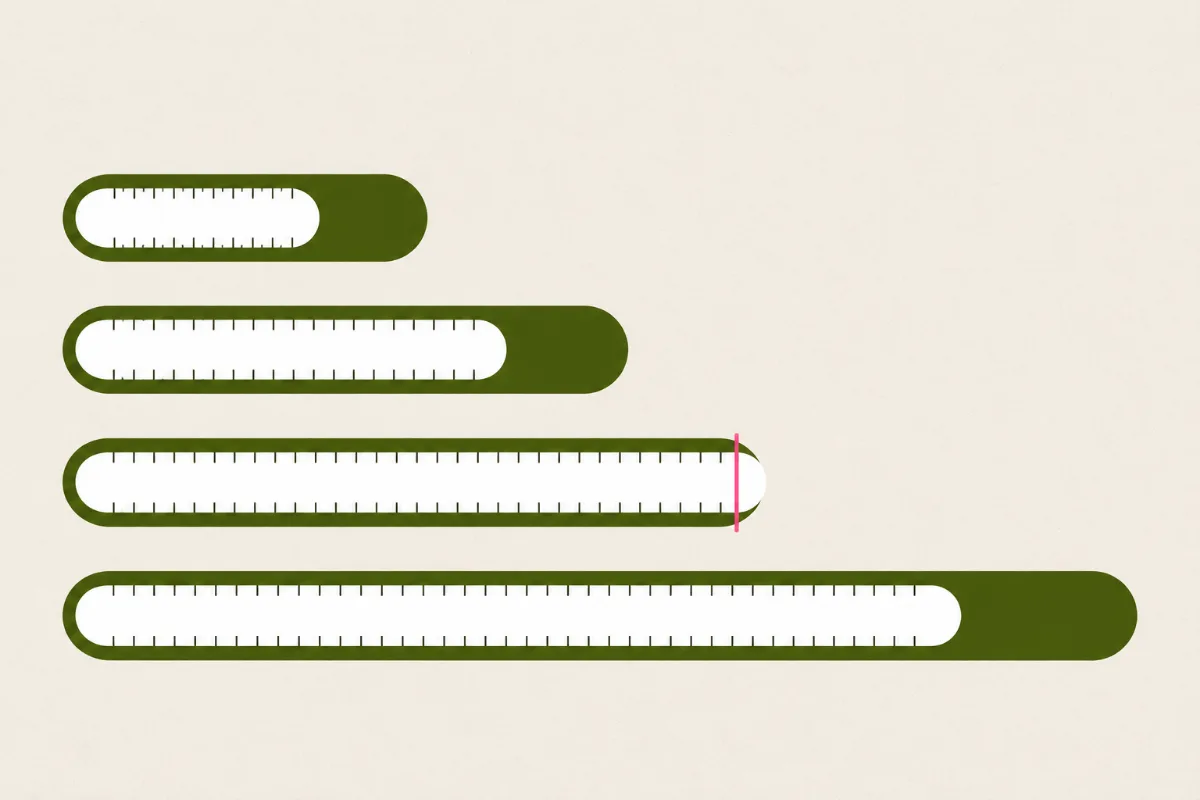
Each bar is one booking slot: 15, 30, 45 or 60 seconds. The fill is your estimated read at the pace you set, and the vertical line marks the end of the slot. A fill that crosses the line turns dark and tells you how many seconds and roughly how many words to cut.
- Fits: the spare seconds and the number of words you could still add.
- Over: the overrun in seconds and the words to cut at this pace.
- Next step: send an overrunning script to Trim to Fit in Script Desk for a first pass.
Pace Click
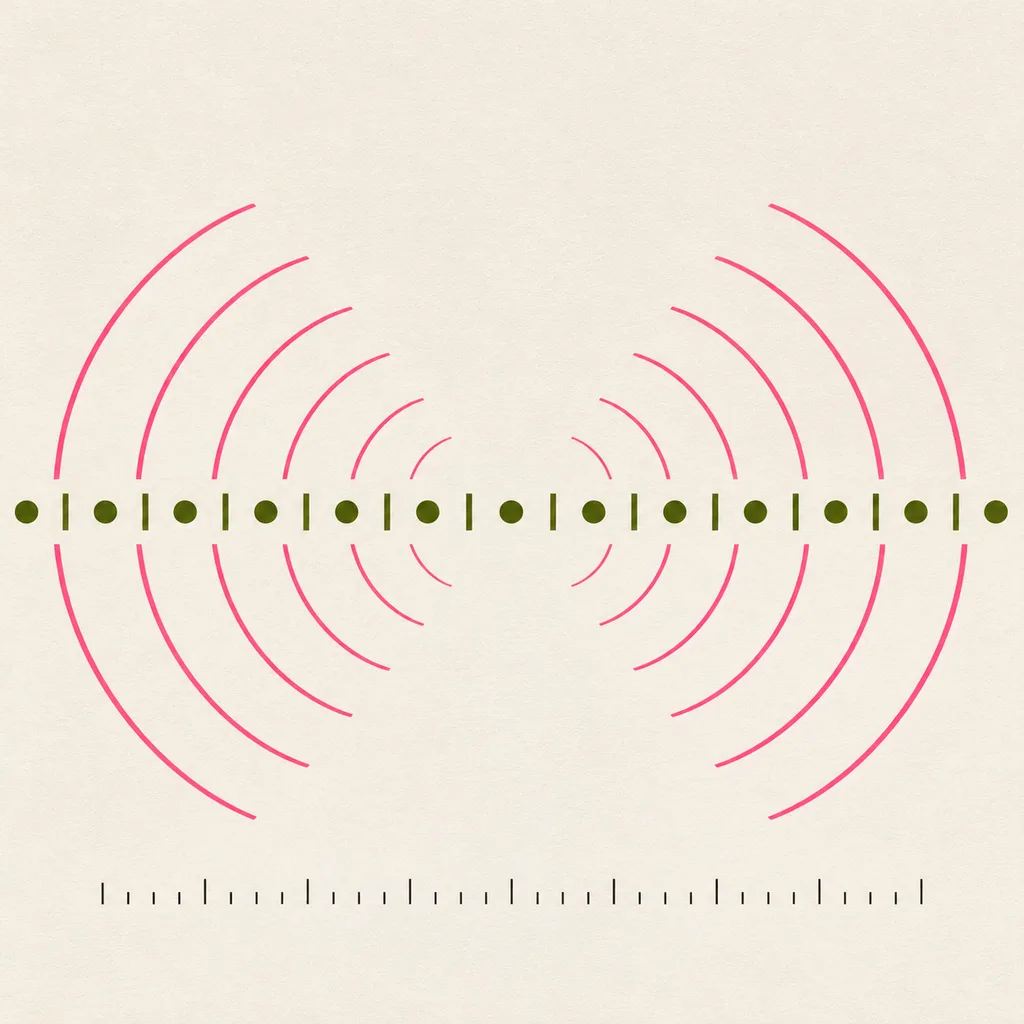
Uses the pace set above. One click per word, every fifth click is higher. Press Start to hear the click at your chosen words per minute, read your script aloud against it, and press Stop when you reach the end. If you finish after the click count your timer predicts, the read is slower than planned.
Read-along click
Read your script aloud and try to land one word on each click. If you are ahead, slow down; if behind, trim.
Headphone check tone
A steady 440 Hz tone confirms each side of your headphones works before you judge a mix or a read. Keep the volume low.